Online bookings and a walk-in waitlist without the paper book
Guests book a table from your own booking link and confirm with an email code. Hosts see the day's bookings and seat walk-ins in order.
Free trial, no card needed.
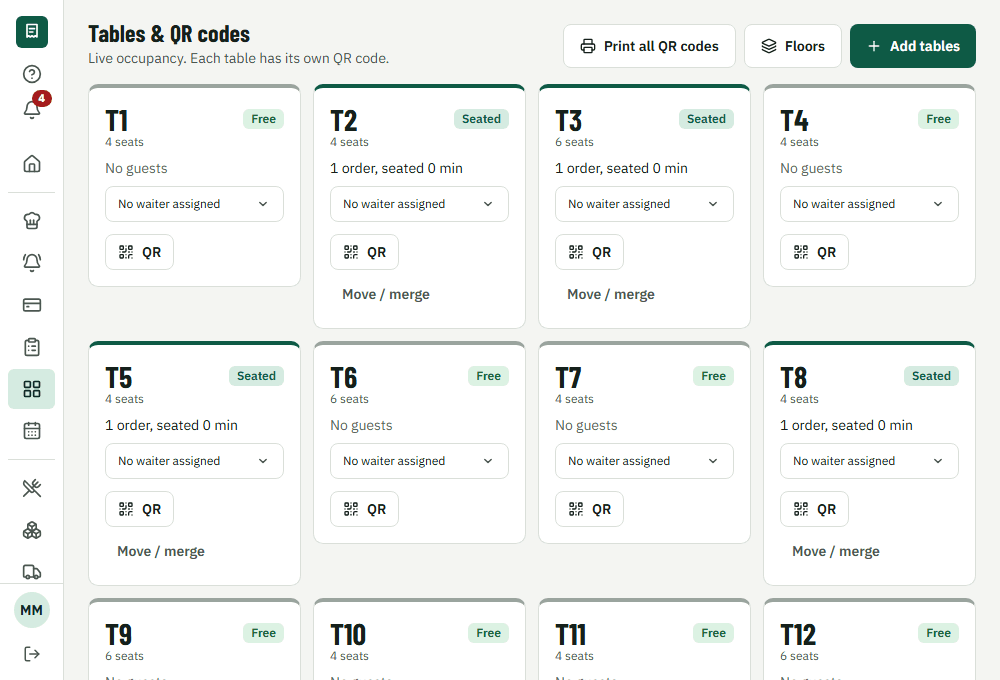
How it works during service
1. Book
Guests pick a time on your booking page and confirm with a code sent to their email.
2. Assign
A table that fits the party is held for that slot; it can't be double-booked.
3. Arrive
The host stand shows the day's bookings and the waitlist in order.
4. Seat
Seating a booking or a waiting party opens the table for ordering.
What's included
No double bookings
Tables are assigned by size and time, and two bookings can never take the same table slot.
Your booking page
Share a link on Instagram or Google. Guests get a confirmation email with a cancel link.
Waitlist
Quote a wait, tell the party their table is ready by email, seat them in order.
Straight to the table
Seating a booking opens the table for ordering right away.
What it changes for your restaurant
- Fewer phone calls during service
- No clashes from a paper book
- Walk-ins seated fairly, in order
Common questions
Can I turn online booking off?
Yes. It's off by default; switch it on in Settings when you want it.
Works together with
- QR table orderingGuests order from the table
- Waiter appTable calls and ready alerts
- Reports and analyticsSales, items, tax and staff
Run your next service on VercentDine
14-day free trial, no card needed. Start with the sample menu and place a test order right away.